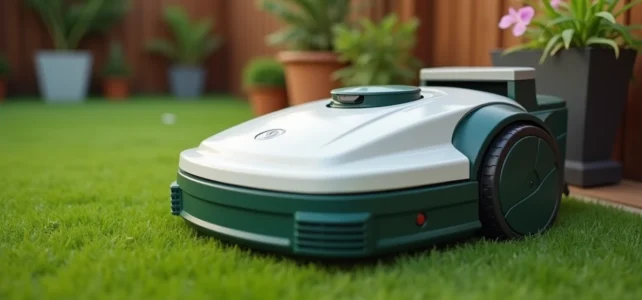
The Parkside robotic mower displays an error code, refuses to leave its station, or loops without apparent reason. Before contacting customer service, resetting resolves a large part of these blockages. However, it is essential to distinguish a genuine electronic fault from a simple peripheral cable installation issue, which is the most common and least documented cause of failure in online guides.
Parkside Peripheral Cable: The Failure Cause Ignored by Tutorials
The majority of reset requests on specialized forums do not stem from a software bug. They are related to a loss of loop in the peripheral cable, which the robot interprets as an electronic fault.
Recent Parkside models impose precise installation constraints. The wire must be located no more than 5 cm below the surface of the ground. Two cable sections should never cross within 10 cm of each other. When these thresholds are not respected, the loop signal becomes unstable, and the mower gets stuck, sometimes right from the start, sometimes after several minutes of mowing.
Before any software manipulation, it is necessary to physically check the installation. Look for areas where the cable may have surfaced (frost, foot traffic, roots), tight crossings, and oxidized connections at the charging station terminals. If the station’s LED blinks green, this confirms a break in continuity between the two parts of the cable.
| Observed Symptom | Probable Cause | Priority Action |
|---|---|---|
| Station LED blinks green | Break or poor contact of the peripheral cable | Check connections at the station terminals |
| Inclination sensor error | Outdated firmware or terrain out of tolerance | Update firmware via the Parkside app |
| Robot stuck in a loop | Cables crossed within 10 cm | Reposition cable sections |
| Refusal to start after charging | Locked PIN code or faulty battery | Reset the PIN code, check the battery |
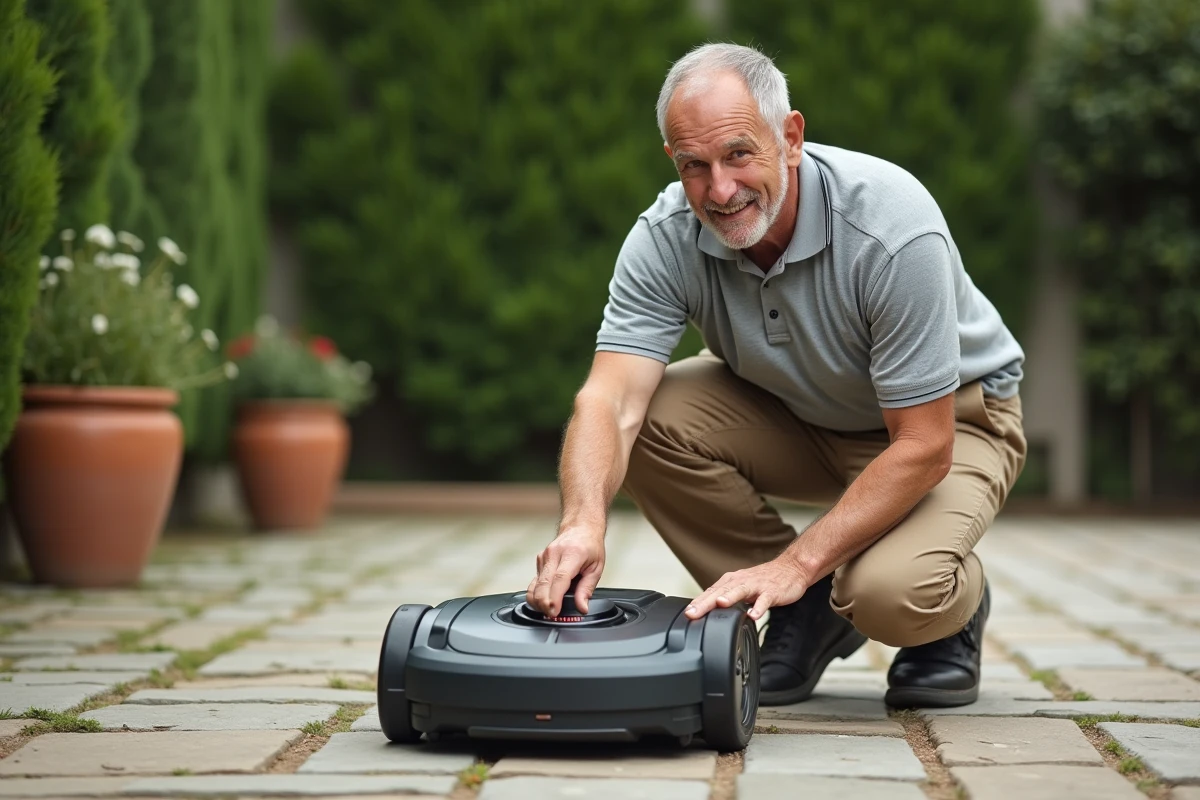
Correcting the wiring before resetting the Parkside robotic mower prevents masking a physical problem behind a software reset that won’t hold.
Parkside Software Reset: Procedure and Limits
When the peripheral cable is in good condition and the problem persists, a software reset becomes relevant. The procedure varies slightly depending on the models, but the principle remains the same.
- Press and hold the stop button for several seconds until the screen completely turns off, then turn the device back on. This action clears the buffer memory and restarts the sensors.
- If the robot requests a PIN code upon restart, enter the code set during the initial installation. If forgotten, the default code is listed in the manufacturer’s instructions (often a simple combination like 0000).
- For a complete reset (return to factory settings), access the configuration menu via the control panel or the Parkside app, then select restore. This operation erases secondary zones and the mowing schedule.
The complete reset forces the robot to rediscover the terrain. On models with a peripheral cable, this means that the boundary mapping is recalculated during the first passes.
Firmware Updates and Sensor Errors
Since 2023, several Parkside series (notably models sold at Lidl) have received firmware updates correcting random freezes and inclination sensor errors. These patches are distributed via the Parkside app, but no automatic notification alerts the user in most cases.
Manually check the firmware version in the app settings before concluding a hardware failure. An outdated firmware can cause erratic behaviors that a reset alone does not permanently fix.
Seasonal Maintenance of the Parkside Robotic Mower: What Really Matters
Maintaining a robotic mower is not limited to cleaning the chassis. Three points determine the longevity of the device and the quality of mowing throughout the season.
Blades and Cutting Height
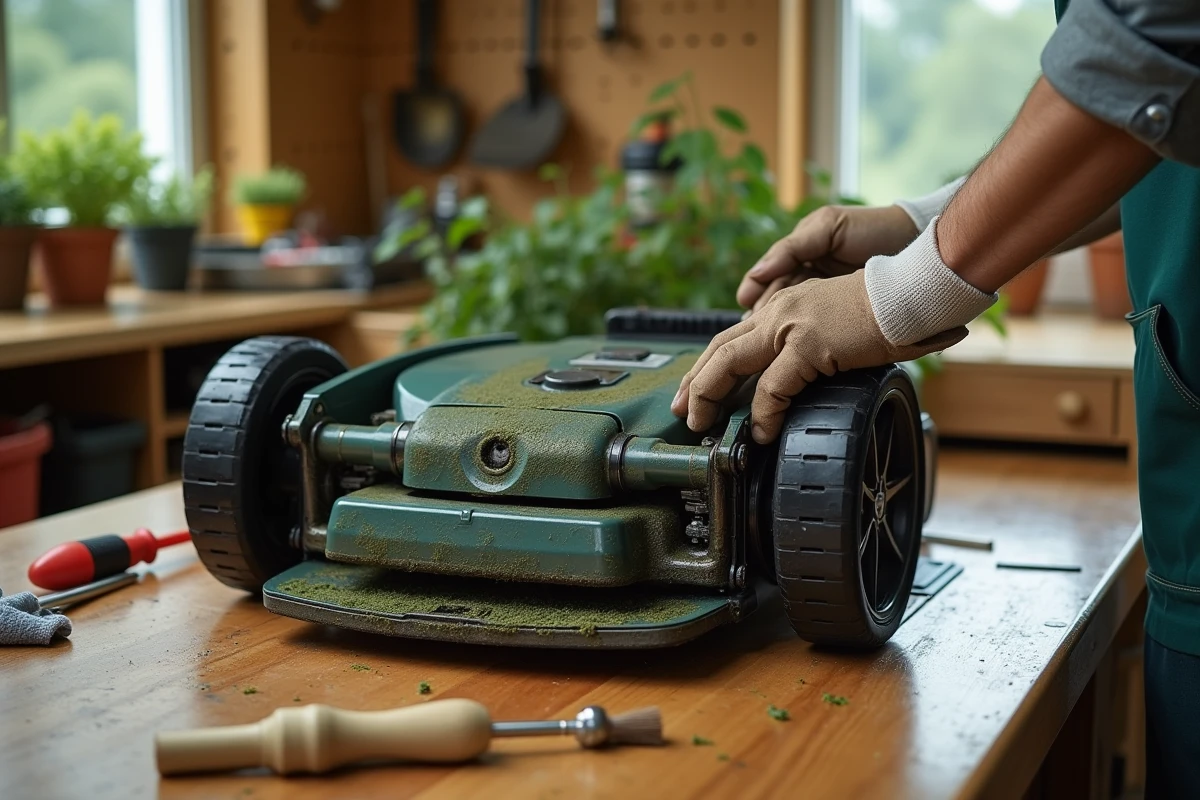
The rotating blades of Parkside mowers wear quickly on terrains with gravel or exposed roots. A dull blade no longer cuts the grass; it tears it, which yellows the lawn in a few weeks. Inspect the blades every three to four weeks during the active season and replace them as soon as the edge shows visible notches.
The cutting height must be adapted to the growth of the lawn. The grass should not exceed 6 cm before the robot passes, or else it risks clogging and overloading the motor.
Battery and Charging Station
The lithium-ion battery does not withstand outdoor winters well. At the end of the season, remove the battery and store it in a dry place at a moderate temperature. A battery left discharged for several months loses a significant part of its capacity.
The charging station must remain accessible and clear. Insufficient space around the station (less than one meter between two obstacles) prevents the robot from positioning itself correctly and generates repeated return attempts that unnecessarily strain the battery.
Secondary Zones and Programming: Parameters to Reconfigure After a Reset
A factory reset deletes all programmed secondary zones. These zones, defined by specific portions of the peripheral cable, allow the robot to mow areas separate from the main garden (narrow passage, area behind a flower bed).
After resetting, reprogram the secondary zones via the app or control panel. Follow the spacing rule: at least 1 m between two flower beds or objects in each mowing zone, and no angle greater than 45 degrees in the cable layout.
The mowing schedule (two adjustable periods per day) must also be reconfigured. Take this opportunity to adjust the start times to the actual growth speed of your lawn, which varies according to the time of year.
The key point remains the same: a software reset does not replace a diagnosis of the physical installation. A properly installed peripheral cable and a battery in good condition resolve the vast majority of malfunctions without software manipulation. The reset should only be a last resort after eliminating hardware causes.